Example Apps
The library source code on GitHub repo ships with two example apps, for iOS and macOS platforms, which demonstrate the use of this API.
Build Instructions for the example apps
- Checkout the source code from GitHub repo.
- Open the
iOS-Example.xcodeprojfor the iOS example app. - Open the
OSX-Example.xcodeprojfor the macOS example app. - Clean, Build in XCode.
About the iOS example app
This example app has Application supports iTunes file sharing property enabled in it’s plist file, which allows you to use iTunes to upload your 3D models to your device.
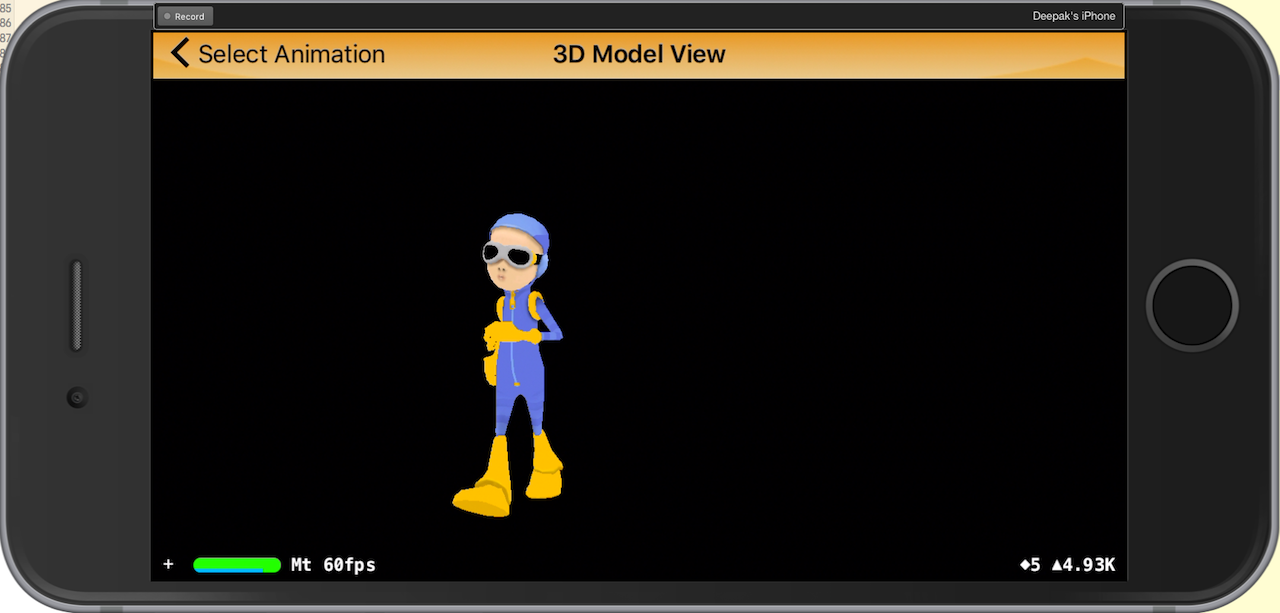
Once you have uploaded the 3D models, you can view the models as such.
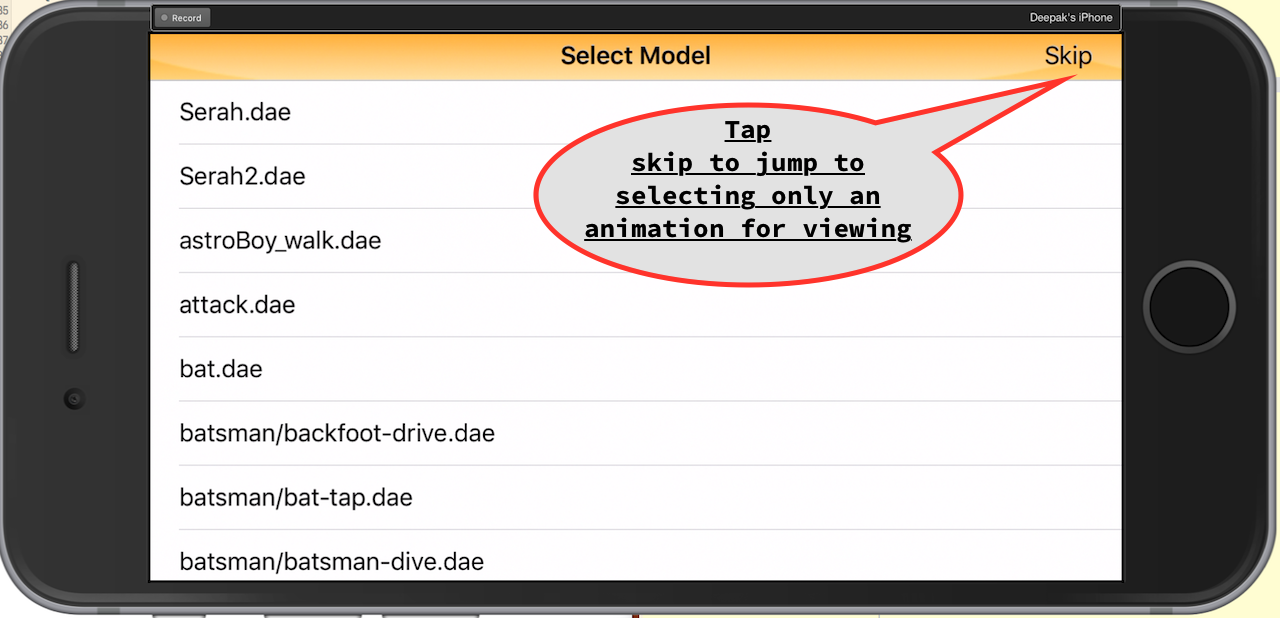
Step 1
You can pick the model to view. You can also skip picking a model and navigate to picking only a 3D skeletal animation.
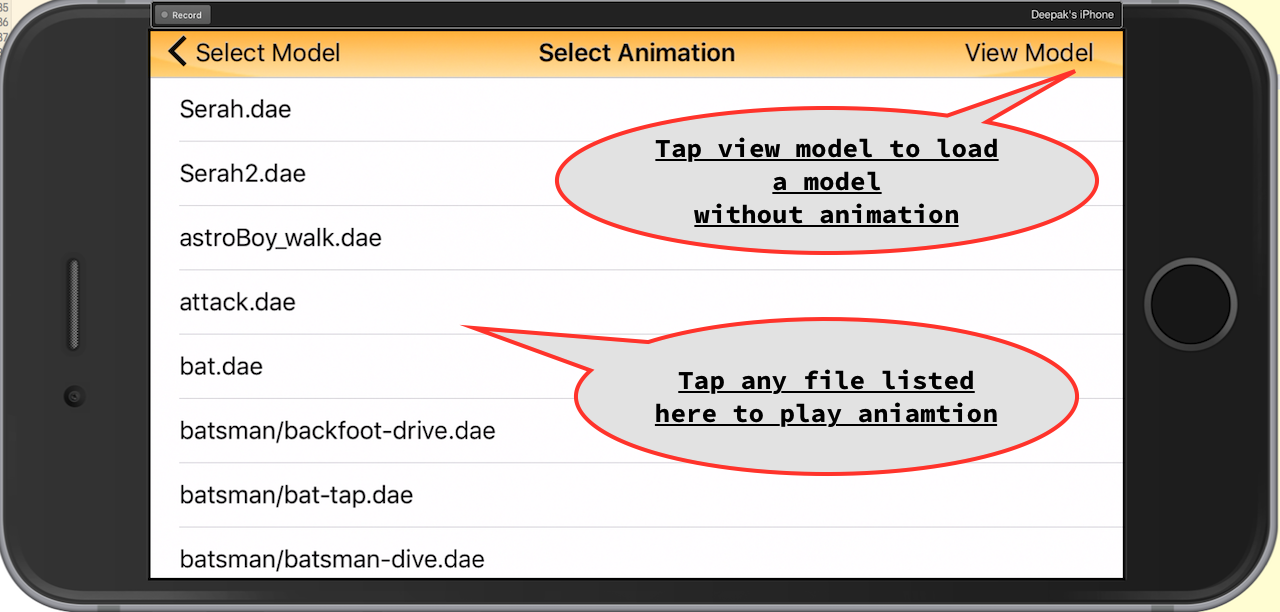
Step 2
You can pick a 3D animation in this step. You can skip this step if you just want to view the 3D model selected in step 1.
About the macOS example app
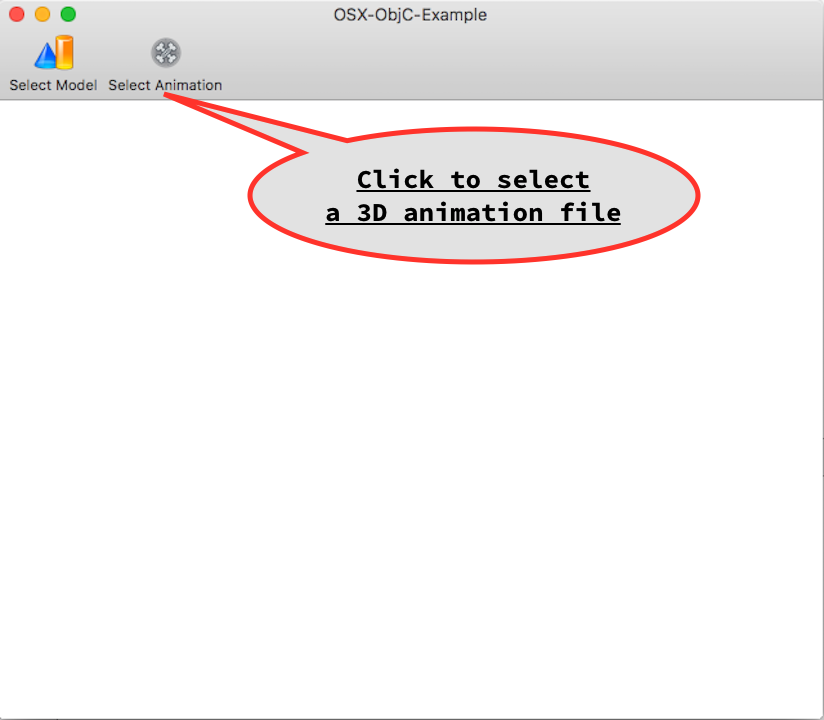
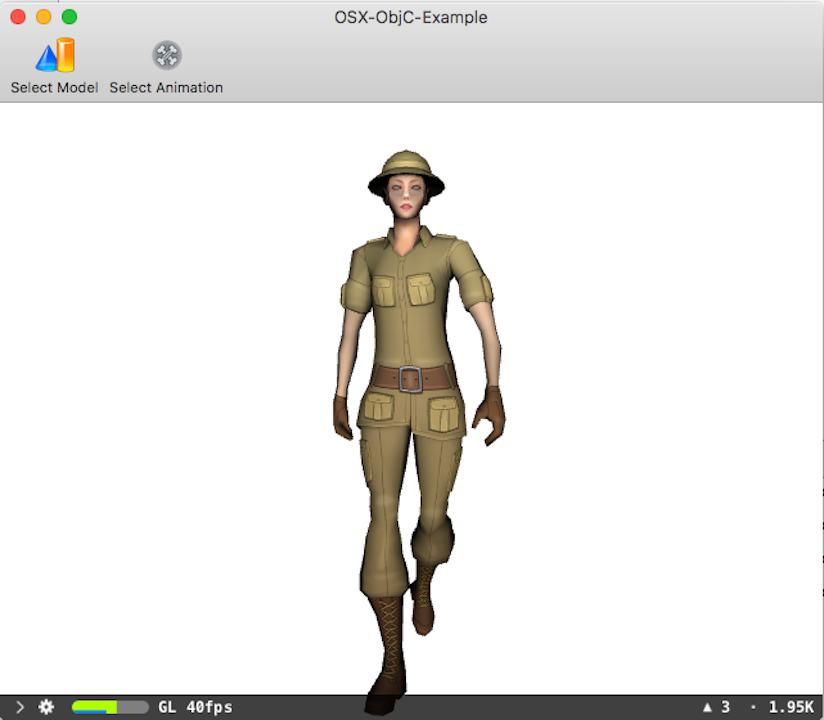
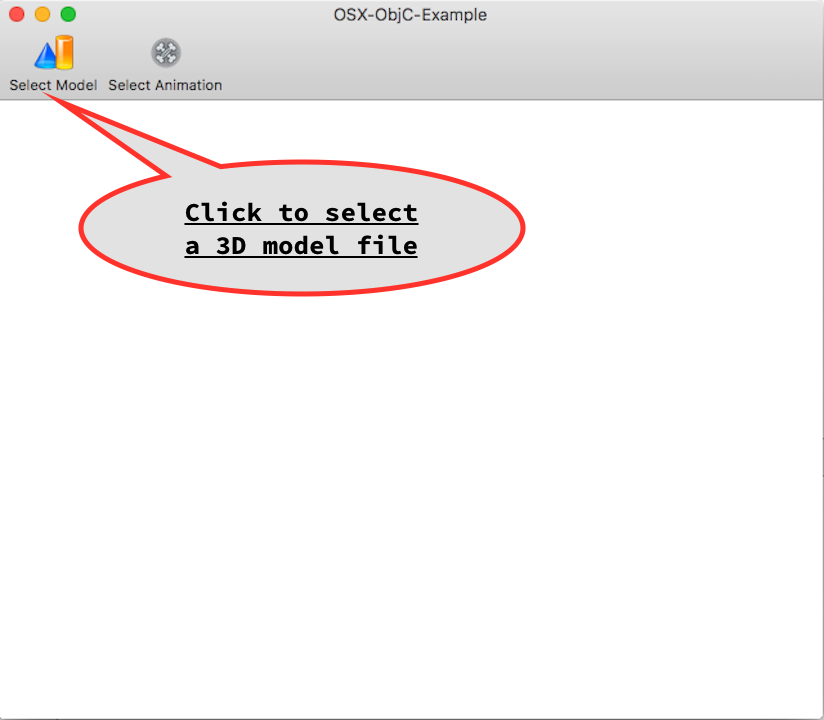
This example app allows you to select the 3D model and animation files using the file picker.
Step 1
You can pick the model to view. You can also skip picking a model and instead pick only a 3D skeletal animation.
Step 2
You can pick a 3D animation in this step. You can skip this step if you just want to view the 3D model selected in step 1.